
XDTS#
It is primarily used by the Japanese 2D animation industry, particularly for reviewing animations and correcting timings. Like JSON or XML, it does not contain pixels, but rather information about cells, their names, exposure times, marks, etc. It can be found in OpenToonZ, TVPaint, ClipStudioPaint, Callipeg, TOEI TimeSheet, etc.
Widget to allow import and export animations thanks to XDTS format can be found in the Content folder of Unreal Engine, in the following path “Plugins ▸ Odyssey ▸ Widgets”
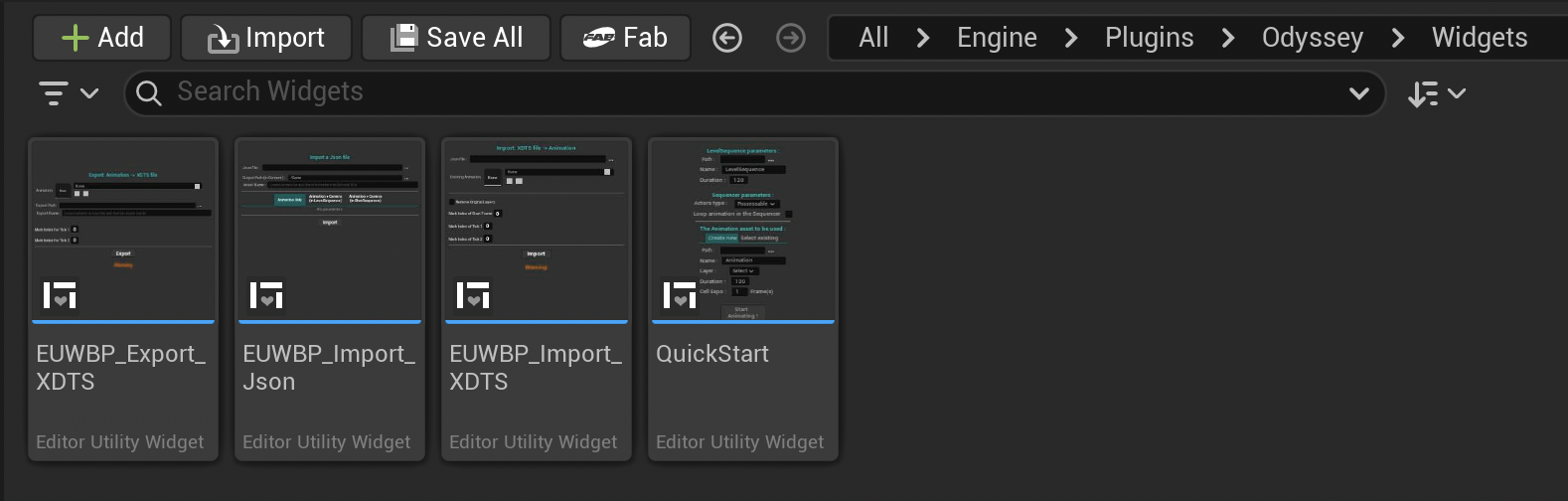
Note
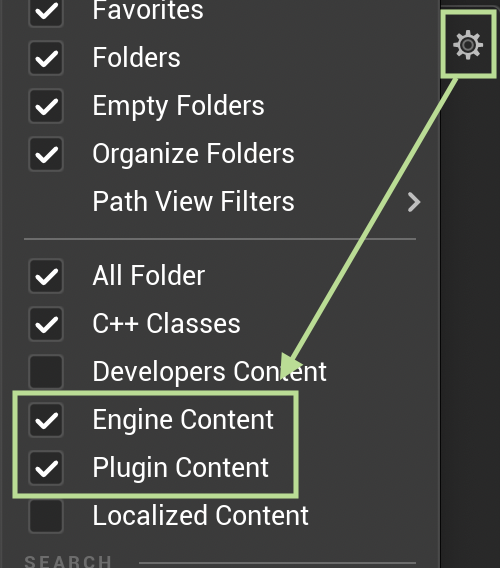
If you cannot see this panel, make sure you enable the following options in the Content Folder settings:
Export Animation 2D asset#
Note
Make sure your named all your Cells before using this widget!
Open the widget with a right click on it and select Run Editor Utility Widget:
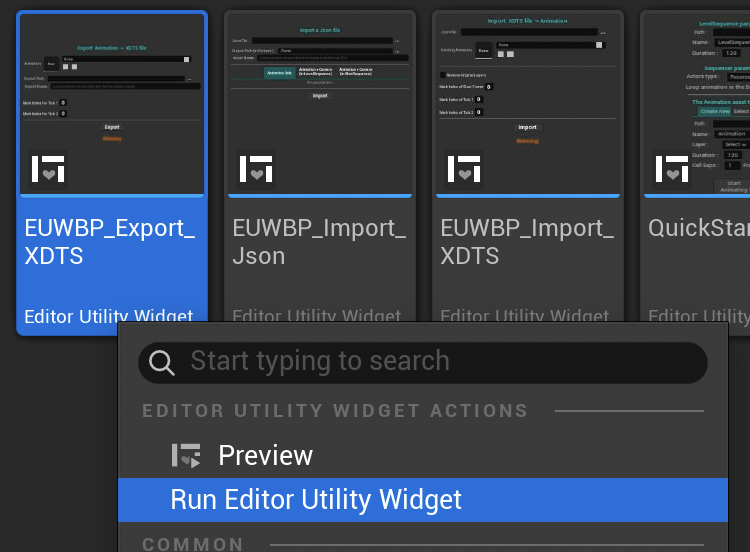
The following panel will open:
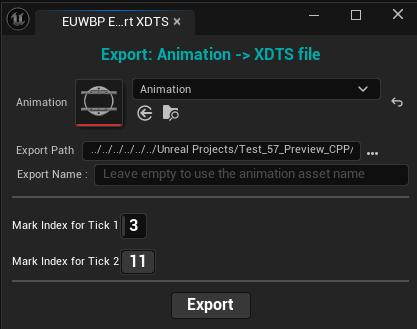
Animation: Select the asset Animation 2D to export.
Export Path: Choose the directory in your computer to export your animation.
Export Name: Leave empty if you want to use the default name of the asset.
Marks: Use an index between 0 and 11 to determine what symbol should be used in the data sheet.
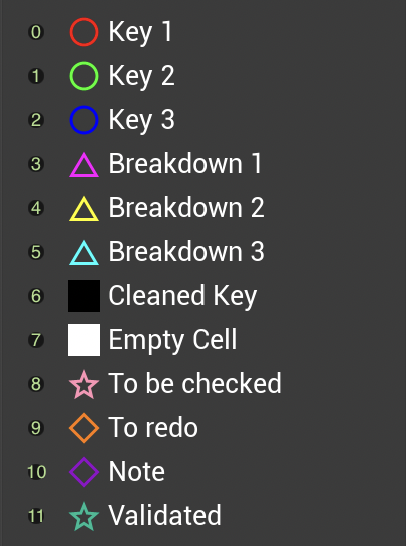
Note
After clicking on Export, if no error message is displayed, it will mean the export worked.
Import external animation into an Animation 2D asset#
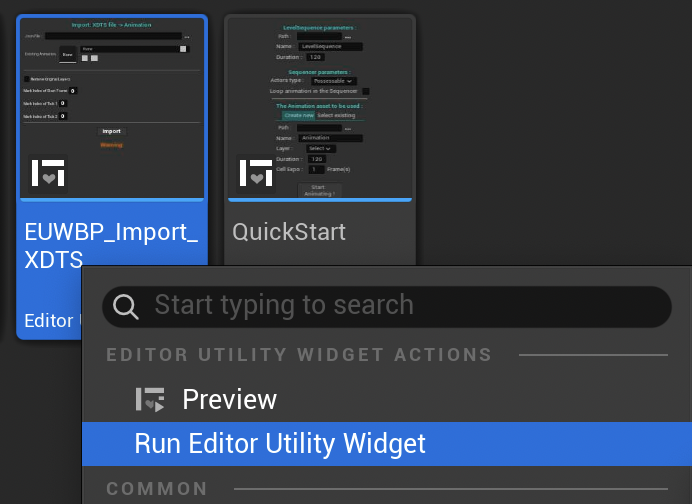
Open the widget with a right click on it and select Run Editor Utility Widget:
The following panel will open:
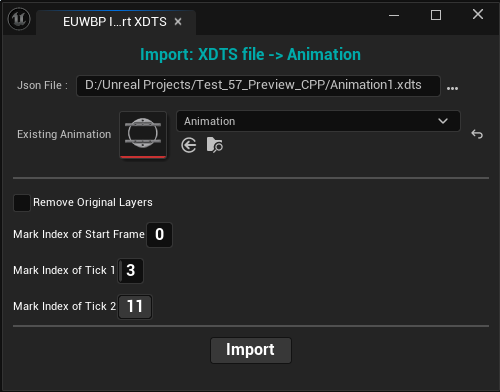
JSON File: (should be written “XDTS File”) Select the directory from your computer to load a XDTS file.
Existing Animation: Choose the Animation 2D asset that will import the animation.
Remove Existing Layers: Check this option to remove the Layers already present into the Animation 2D asset.
Mark: Use an index between 0 and 11 to determine what symbol should be used in the data sheet.