
JSON#
It is primarily used by the Western 2D animation industry, particularly for reviewing animations and correcting timings. This format imports the data about cells, their names, exposure, etc, + images related to the animation.
The widget to allow import animations thanks to JSON format can be found in the Content folder of Unreal Engine, in the following path “Plugins ▸ Odyssey ▸ Widgets”
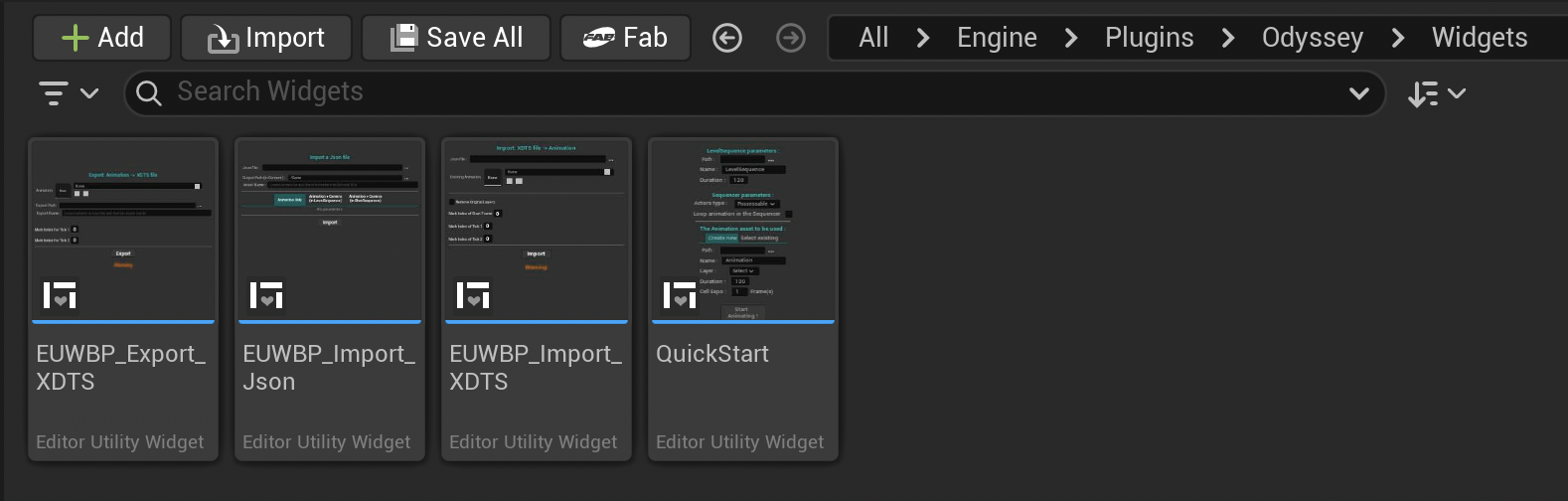
Note
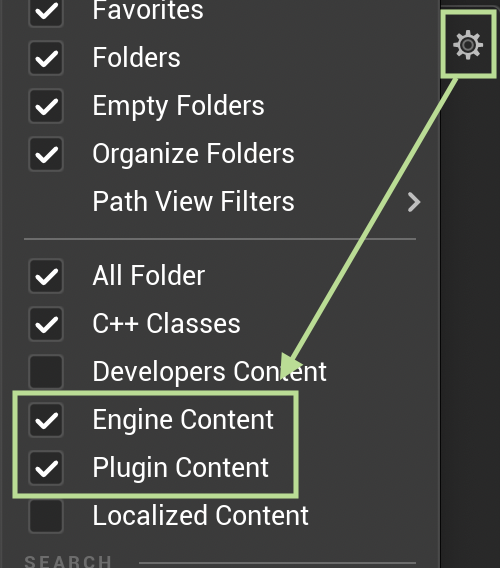
If you cannot see this panel, make sure you enable the following options in the Content Folder settings:
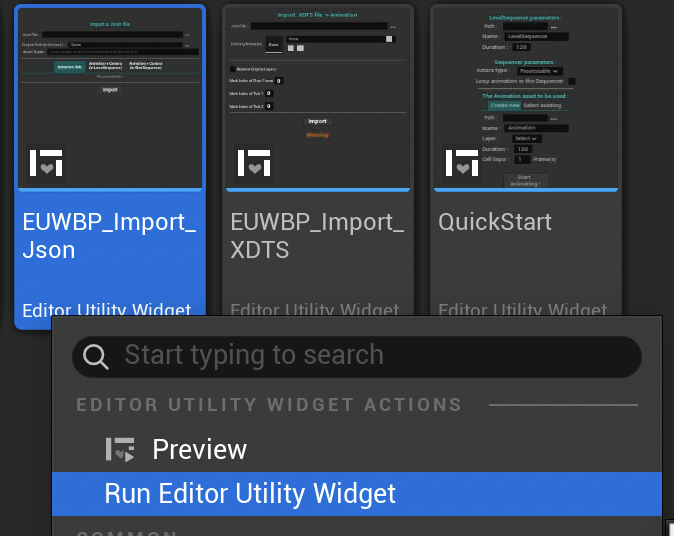
Open the widget with a right click on it and select Run Editor Utility Widget:
This panel will open:
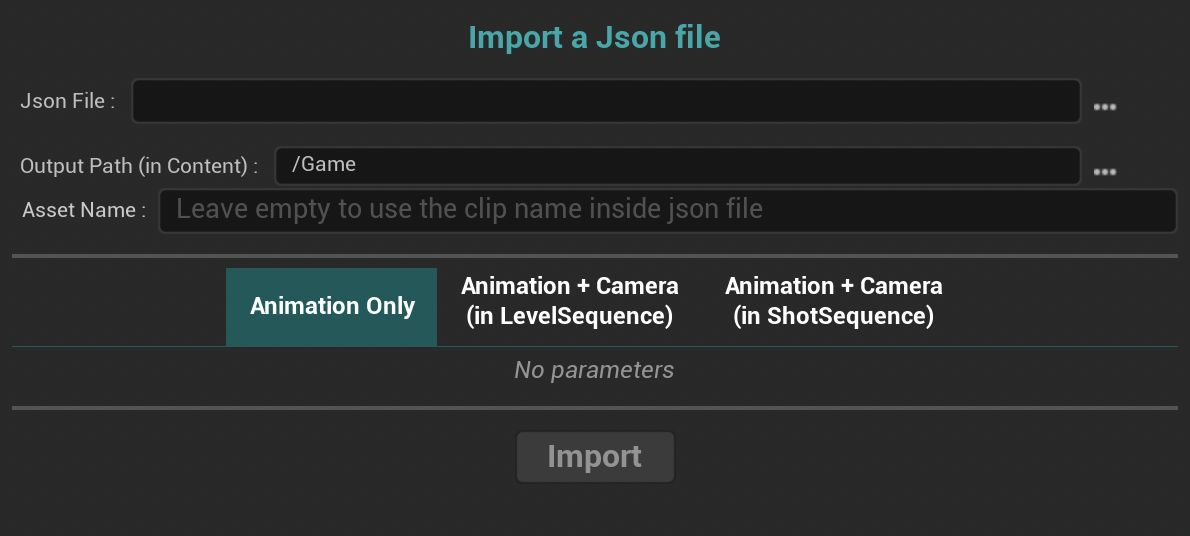
Json File: Select the directory from your computer to import the Json file.
Output Path: Choose the path in the Content folder to create the Animation 2D asset.
Asset Name: Choose the name of the Animation 2D asset. Leave empty if you want to re-use the default name of the JSON file.
You will have then the option to either create an Animation 2D only, or to also create a Level Sequence or a Shot Sequence (which will place the Animation 2D into the current Level with a Cine Camera Actor). If you select one of these two options, you will have the opportunity to determine the Camera Sensor Width, its Focal Length and its Aperture.